A voice assistant lets you control your smart home by speaking: turning on lights, adjusting the heat, checking who is at the door or setting reminders, without touching a switch or phone. In a bungalow, a few well-placed smart speakers can cover the whole main floor. Voice control is especially helpful for older adults and anyone with limited mobility, as long as privacy settings are set up with care.
Key takeaways
- Voice assistants work best as a simple control layer for lights, heat and locks.
- Two or three speakers usually cover a typical bungalow main floor.
- Voice control supports aging in place and accessibility.
- Review microphone, recording and purchase settings on day one.
What can a voice assistant do in a smart home?
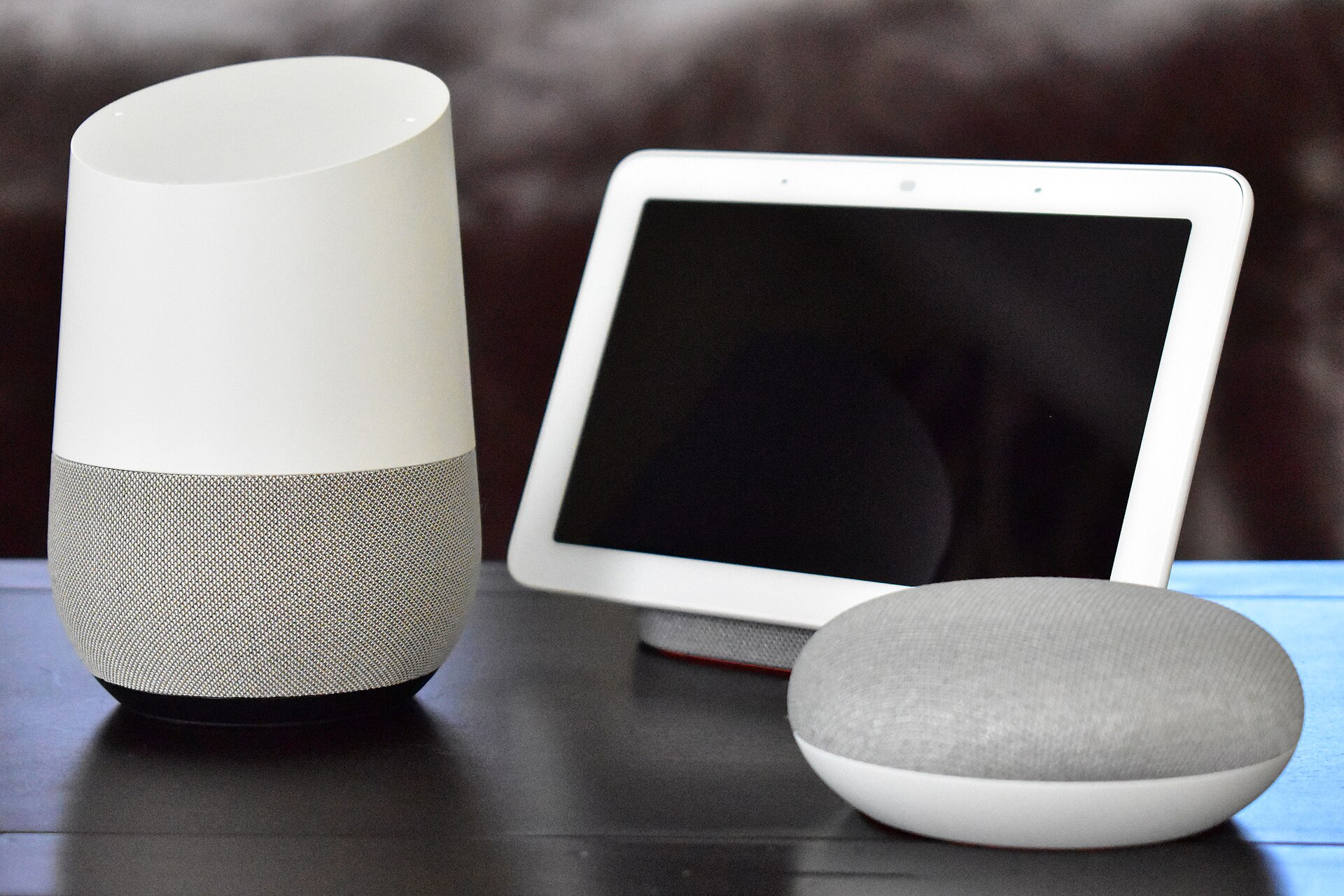
On its own, a smart speaker can play music, answer questions, set timers and manage calendars. Connected to smart devices, it becomes a hands-free remote for the whole house.
- “Turn off the living room lights.”
- “Set the temperature to 21 degrees.”
- “Lock the front door.” (Many systems require a PIN for unlocking.)
- “Show me the front door camera” on a smart display.
- “Remind me to take out the green bin on Tuesday night.”
Voice assistants are getting better at understanding natural, conversational requests. Even so, short, clear commands still work most reliably.
Where to put smart speakers in a bungalow
One-level living makes coverage simple. Typical placements:
| Location | Best device | Common uses |
|---|---|---|
| Kitchen | Smart display | Timers, recipes, shopping lists, camera view |
| Living room | Speaker or display | Lights, TV control, music, thermostat |
| Main bedroom | Small speaker | Alarms, night routines, lights off |
| Basement or rec room | Small speaker | Music, intercom to the main floor |
Keep speakers away from TVs and noisy appliances so they hear you clearly. Avoid placing a microphone-equipped device right beside a window or door where voices from outside might trigger it.
Bungalow tip: Use the intercom or broadcast feature to call family up from the basement. It saves a lot of shouting down the stairs.
Voice control for aging in place
Many bungalow buyers choose one-level living so they can stay in their homes longer. Voice assistants can support that plan.
- Hands-free lighting reduces the risk of walking into dark rooms.
- Thermostat control without reaching small buttons or reading tiny screens.
- Reminders for appointments, routines and daily tasks.
- Calling family by voice from anywhere in the house.
- Door camera checks before getting up to answer.
Voice tech works best alongside good physical design: no-step entries, wide doorways and lever handles. Our guide to aging-in-place bungalow design covers those features, and our post on bungalow living for seniors explains the lifestyle side.
Voice assistants are not medical alert systems. If someone needs emergency monitoring, look at dedicated personal emergency response services.
Setting up routines
Routines let one phrase trigger several actions. Good starter routines include:
- “Good morning”: Kitchen lights on, heat up, weather and calendar read aloud.
- “I’m leaving”: Lights off, thermostat set back, door locked.
- “Movie time”: Lights dimmed, TV on.
- “Good night”: Doors locked, outdoor lights off, hallway night light on.
Our post on AI home automation explains how newer assistants can learn and suggest routines.
What voice assistants still struggle with
Voice assistants have improved a lot, but they are not perfect. Knowing their limits helps you set realistic expectations.
- Background noise: A running dishwasher or loud TV can cause missed commands.
- Accents and speech differences: Recognition is better than it was, but some voices still get misunderstood.
- Internet outages: Most assistants need a connection, so voice control may stop when the internet drops.
- Complex requests: Multi-step commands sometimes trigger the wrong device.
Keep a regular switch or app as a backup for anything essential, like lights and heat. Voice should add convenience, not become the only way to run your home.
Privacy settings to check right away
Smart speakers listen for a wake word. Here is how to stay in control:
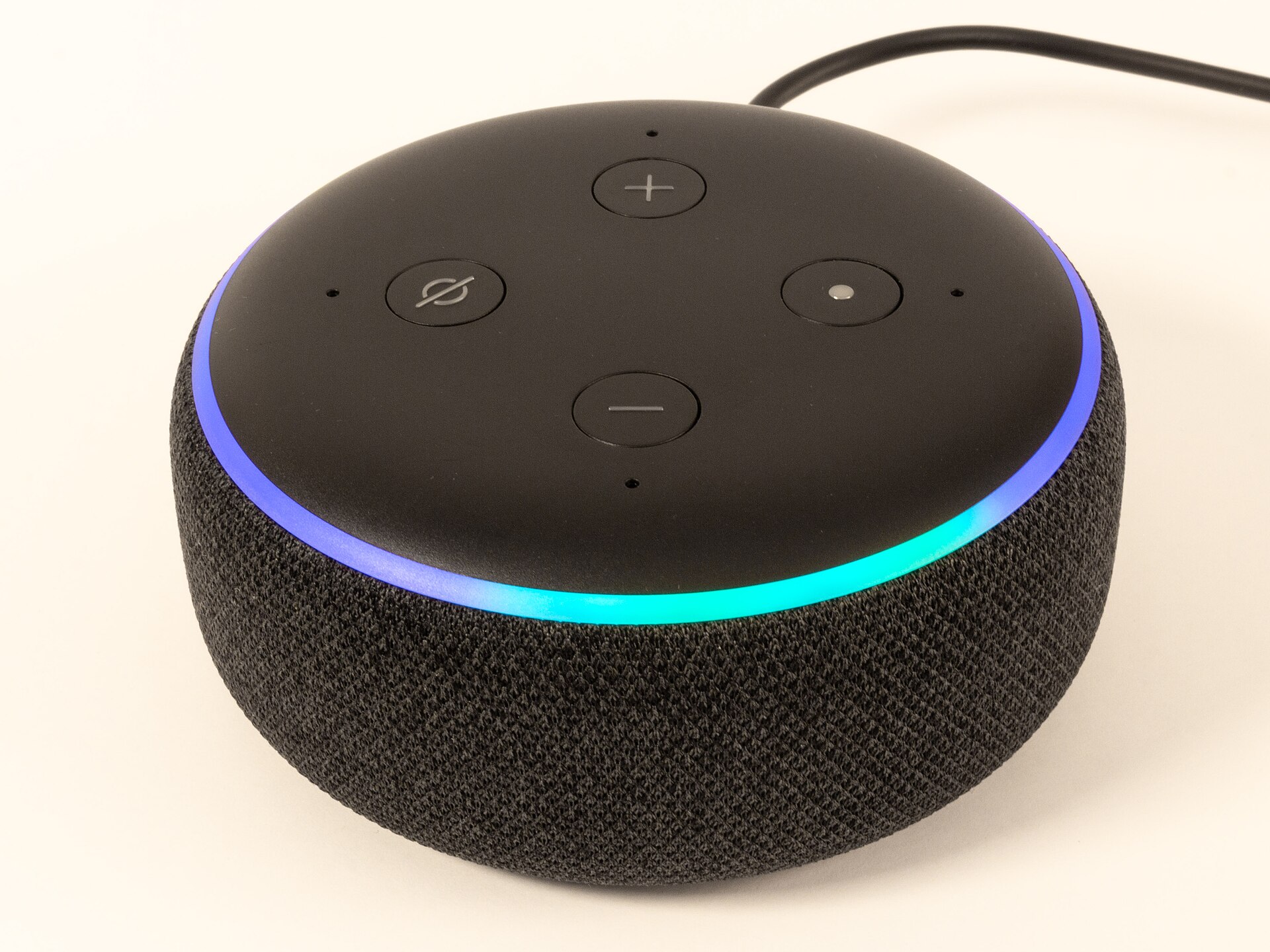
- Use the physical mute button when you want guaranteed privacy.
- Review and auto-delete voice recordings in the app settings.
- Turn off or PIN-protect voice purchasing.
- Require a PIN for unlocking doors or disarming alarms by voice.
- Use voice profiles so the assistant knows who is speaking.
- Keep the companion app and your router updated.
For more on securing connected devices, see our guide to smart home cybersecurity.
Bungalow tip: If you rent out a basement suite, do not place your smart speakers where they can pick up your tenants’ conversations. Give each unit its own devices and network.
Frequently asked questions
Which voice assistant is best for a smart home?
The best one is usually the assistant that matches your phones and the devices you already own. Check device compatibility before buying more gear.
Are smart speakers always recording?
They listen locally for a wake word and typically send audio only after hearing it. You can review and delete recordings, and use the mute button for extra privacy.
Can a voice assistant help a senior living alone?
It can help with lights, reminders, calls and door checks. It is not a substitute for a medical alert service or regular check-ins from family.
The bottom line on voice control at home
A voice assistant is one of the simplest ways to make a bungalow feel smarter and more accessible. Place speakers well, start with simple routines and lock down privacy settings.
Planning a move to one-level living? Create listing alerts for bungalows that match your needs.
The newest bungalows on the market
Fresh listings, updated every 15 minutes.
 $819,9002409 Whaley Drive, Mississauga3 bed · 2 bath · CooksvilleCourtesy of SUTTON GROUP - SUMMIT REALTY INC.
 $839,900145 Emma Street, Guelph3 bed · 2 bath · General HospitalCourtesy of Royal LePage Royal City Realty
 $829,90019 Palton Avenue, Kanata3 bed · 2 bath · 9008 - Kanata - Morgan's Grant/South MarchCourtesy of ROYAL LEPAGE TEAM REALTY
 $825,000353 County 25 Road, Greater Napanee3 bed · 2 bath · 58 - Greater NapaneeCourtesy of RE/MAX HALLMARK FIRST GROUP REALTY LTD. , BROKERAGE
 $1,500,00097 Estelle Avenue, Toronto3+4 bed · 7 bath · Willowdale EastCourtesy of RE/MAX REALTRON REALTY INC.
 $450,0004925 SAINT CLAIR Avenue, Niagara Falls1 bath · 210 - DowntownCourtesy of RE/MAX Real Estate Centre Inc