Smart home cybersecurity means protecting the connected devices in your home, such as cameras, smart locks, thermostats and voice assistants, from being hacked or misused. The basics are simple: secure your router, use strong unique passwords with two-step login, keep devices updated and separate them from your main computers. When a bungalow changes hands, resetting every device is just as important as changing the locks.
Key takeaways
- Your Wi-Fi router is the front door to every connected device.
- Strong unique passwords and two-step login stop most account takeovers.
- Put smart devices on a separate guest or device network.
- Choose brands that promise regular security updates.
- Reset and transfer every smart device when you buy or sell a home.
Why smart home cybersecurity matters
A typical home now has phones, laptops, a smart TV, a doorbell camera and maybe a smart lock or thermostat. Each one connects to the internet. Each one is a possible way in.
The risks are real but manageable. A weak camera password could let a stranger view footage. An old router could be used to attack other devices. A smart lock tied to the previous owner’s account could still give them access.
Most problems come from simple gaps, not sophisticated hackers. Closing those gaps takes an afternoon.
Step 1: Lock down your router
The router connects everything, so start here.
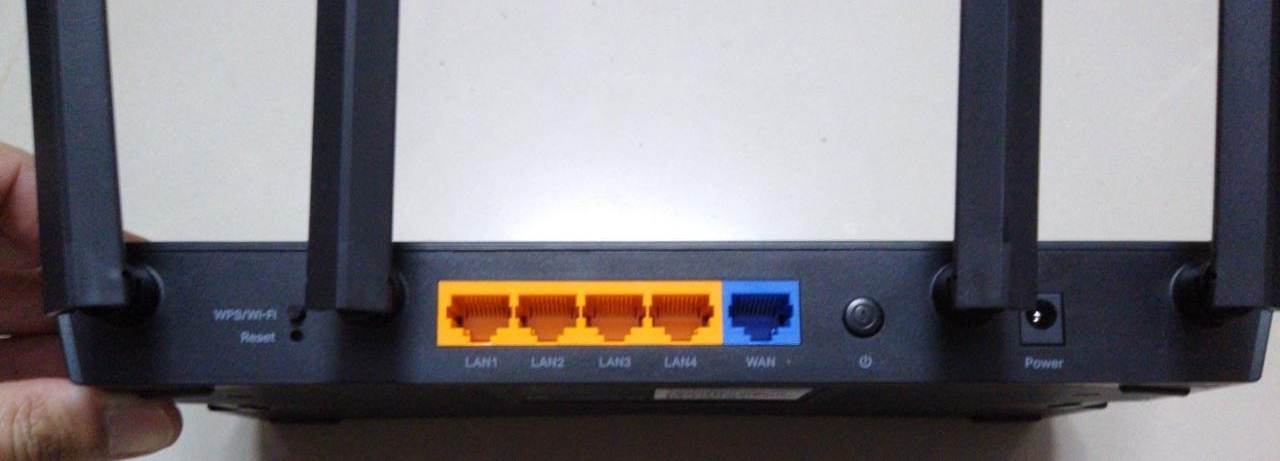
- Change the default admin password on the router itself, not just the Wi-Fi password.
- Use WPA3 encryption if your router supports it, or WPA2 at minimum.
- Turn on automatic firmware updates.
- Turn off remote management and WPS unless you truly need them.
- Replace routers that no longer get security updates from the maker.
Bungalow tip: Many bungalows have the router tucked in a basement corner. While you are moving it to a central spot for better coverage, log in and update its settings too.
Step 2: Separate your devices
Most modern routers can create a guest network. Use it, or a dedicated device network, for smart home gear.
If a cheap smart plug is compromised, it should not be able to see your work laptop or the computer where you do online banking. Keep computers and phones on your main network, and smart devices on their own.
What goes where
| Main network | Device or guest network |
|---|---|
| Work and personal laptops | Smart plugs and bulbs |
| Phones and tablets | Smart TVs and streaming boxes |
| Printers you use often | Cameras and video doorbells |
| Home office equipment | Thermostats, sensors, appliances |
Some apps need your phone and device on the same network during setup. You can usually switch your phone back afterward.
Step 3: Secure every account
Smart devices are usually controlled through cloud accounts. If someone gets into the account, they get into the device.
- Use a password manager to create long, unique passwords.
- Turn on two-step verification for every smart home app.
- Give family members their own logins instead of sharing one.
- Remove old users, such as a past contractor or dog walker.
- Review which devices and apps are connected every few months.
Step 4: Choose devices with good security habits
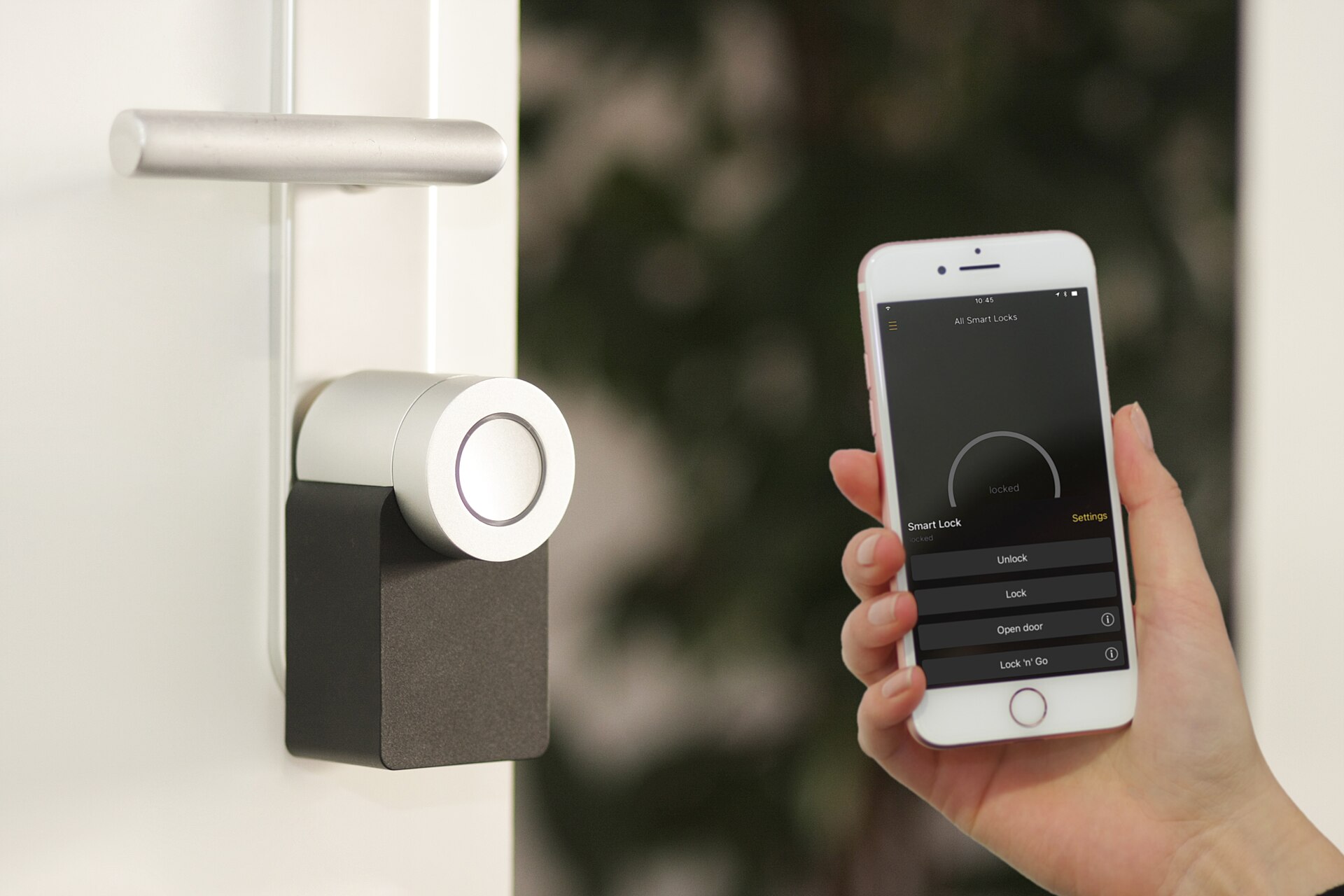
Before you buy, look beyond the price. A bargain device with no updates can become your weakest link.
- Check how long the maker promises security updates.
- Prefer devices that support two-step login and encrypted video.
- Look for a clear privacy policy that explains what data is stored and where.
- Choose cameras that let you turn off recording or set privacy zones.
Voice assistants and privacy settings
Smart speakers listen for a wake word. Review the privacy settings in the app, delete old voice recordings and use the microphone mute button when you want privacy. Turn off voice purchasing, or protect it with a PIN, if you have children in the house.
Physical security still matters too. Our bungalow home security checklist covers doors, windows and lighting. For camera and doorbell choices, see our guide to smart security cameras and doorbells.
Buying or selling a smart home: the handover checklist
This is where many people slip. Connected devices are often tied to the seller’s accounts.
If you are selling
- List which devices stay with the house in your agreement.
- Remove your account from each device and app before closing.
- Factory reset devices that stay, and leave manuals and setup notes.
- Download any camera footage you want to keep, then delete the rest.
If you are buying
- Confirm in writing which smart devices are included.
- On closing day, factory reset locks, cameras, garage openers and thermostats.
- Change smart lock codes and the garage door code right away.
- Set up the devices under your own accounts with new passwords.
Our moving and address change checklist is a good place to add these steps.
Frequently asked questions
Can smart home cameras be hacked?
Yes, especially with weak or reused passwords and outdated firmware. Strong unique passwords, two-step login and regular updates greatly reduce the risk.
Should I factory reset smart devices after buying a house?
Yes. Reset locks, cameras, thermostats and garage openers, then set them up under your own accounts so the previous owner no longer has access.
Is a guest network really necessary?
It is not required, but it is a simple and effective step. It keeps a compromised smart device from reaching the computers that hold your most sensitive information.
The bottom line on protecting your connected home
Treat your router like your front door and your accounts like your keys. A few habits, done once and checked now and then, prevent most smart home security problems.
When you move, make digital handover part of closing day. It protects you just as much as new locks do.
The newest bungalows on the market
Fresh listings, updated every 15 minutes.
 $489,900245 Smart Crescent, Greater Napanee3+1 bed · 2 bath · 58 - Greater NapaneeCourtesy of Keller Williams Energy Real Estate
 $749,00011 SWAN Drive, St. Catharines4+3 bed · 3 bath · 461 - Glendale/GlenridgeCourtesy of CENTURY 21 PEOPLE`S CHOICE REALTY INC.
 $3,199,0004958 Wellington Road 125, Erin3+1 bed · 4 bath · Rural ErinCourtesy of ROYAL LEPAGE MEADOWTOWNE REALTY
 $649,900229 Phillip Murray Avenue, Oshawa3+1 bed · 2 bath · LakeviewCourtesy of DAN PLOWMAN TEAM REALTY INC.
 $769,90050 Leonard Road, Tiny3 bed · 2 bath · Rural TinyCourtesy of RE/MAX Georgian Bay Realty Ltd
 $819,900402 South Coast Drive, Haldimand1+2 bed · 2 bath · NanticokeCourtesy of ROYAL LEPAGE BURLOAK REAL ESTATE SERVICES