A good smart home office setup starts with a reliable internet connection, then adds good lighting, clear audio and video, and power protection. Smart devices like plugs, sensors and thermostats come last. In a bungalow, the single-level layout makes most of this easier to install than in a two-storey home.
Key takeaways
- Fix your internet and Wi-Fi first, because nothing else matters if calls drop.
- A wired Ethernet line to your desk is the most reliable upgrade you can make.
- Lighting and audio shape how you look and sound on video more than your camera does.
- A surge protector or small battery backup keeps you working through short outages.
- Smart plugs, sensors and schedules are nice extras once the basics are solid.
Why bungalows suit a tech-ready home office
A bungalow spreads everything over one main floor. That means shorter distances between your router, your desk and the rest of the house. Wi-Fi signals do not have to push through a second-storey floor, so coverage is often better.
The basement helps too. In many bungalows, an electrician or low-voltage installer can run cable through the basement ceiling and up into a main-floor room with little drywall damage. Raised bungalows and backsplits add a lower level that works well as a quiet office away from the kitchen.
If you are still deciding which room to use, read our guide on where to put a home office in a bungalow. This post covers the tech.
Step 1: Get your internet and Wi-Fi right
Your connection is the backbone of the office. Start by checking which speeds are actually available at the address. Fibre is common in newer GTA subdivisions. Some older streets and rural lots in places like Caledon or Scugog still rely on cable, DSL or fixed wireless.
Where to put the router
Most routers sit wherever the provider’s line enters the house, often a basement corner. Move it to a central, raised spot on the main floor if you can. Keep it away from the furnace, the fridge and large mirrors.
Mesh Wi-Fi vs. a wired line
- Mesh Wi-Fi: two or three units that share one network. Good for long, ranch-style bungalows and for reaching a backyard office.
- Ethernet cable: a direct line to your desk. It gives the steadiest speed and the lowest lag for video calls.
- Powerline adapters: send data through your electrical wiring. They are a quick fix in older homes, but results vary.
Bungalow tip: If you are already opening walls or finishing the basement, ask for an extra Ethernet run to every room you might use as an office. Cable is cheap. Fishing it through finished walls later is not.
Step 2: Plan power, lighting and comfort
Home offices often end up in spare bedrooms with one outlet and a single ceiling fixture. That is rarely enough for a monitor, laptop, dock, printer and lamp.
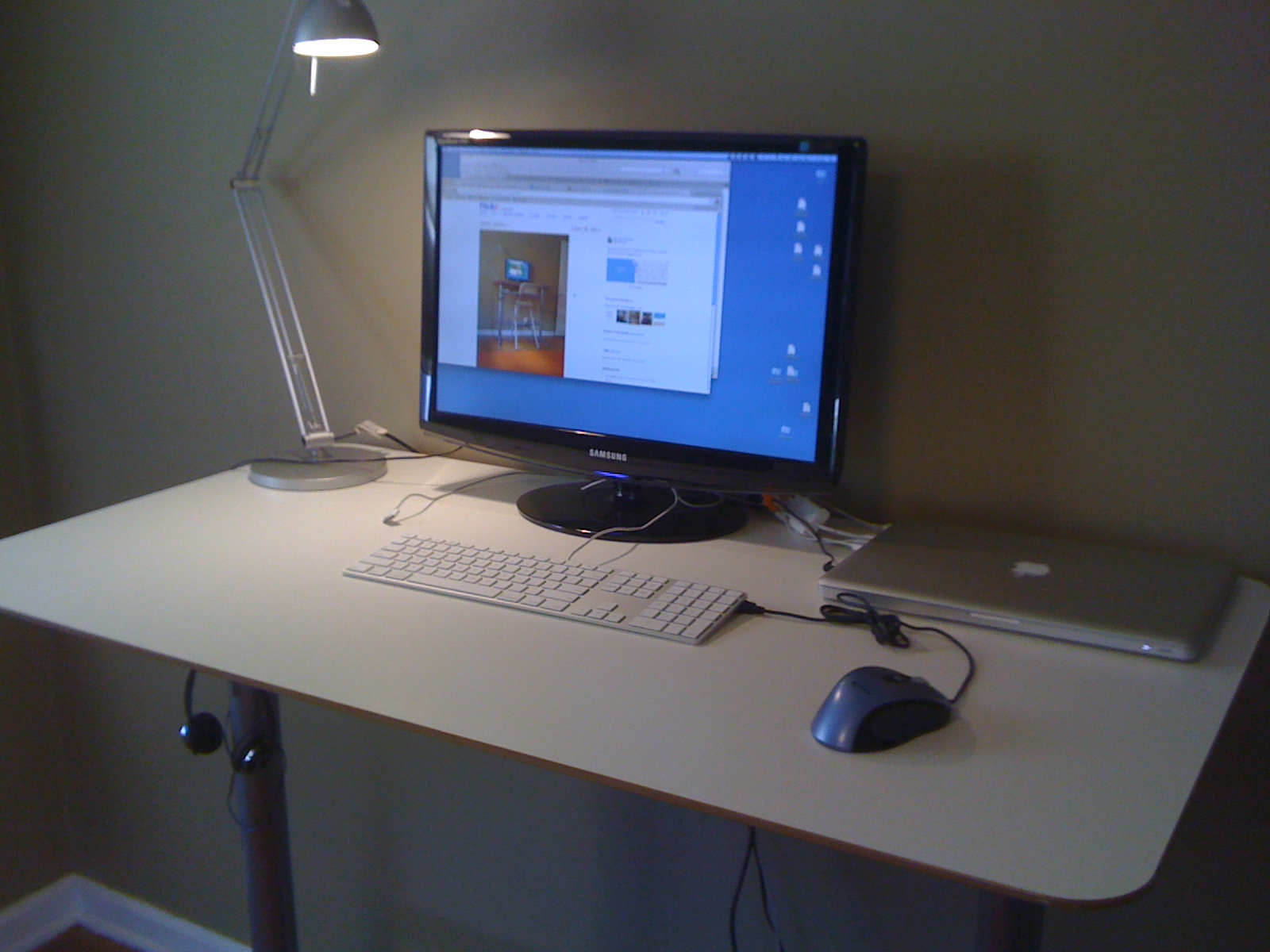
- Use a quality surge protector, not a basic power bar.
- Add a small uninterruptible power supply (UPS) for your modem and router. It keeps you online through brief flickers.
- Hire a licensed electrician if you need new outlets or a dedicated circuit. Electrical permits apply in Ontario.
- Face a window or put a soft light in front of you. Light from behind turns you into a silhouette on camera.
- Choose a dimmable desk lamp or smart bulb with adjustable colour temperature so you can match daylight.
Comfort matters too. A smart thermostat with room sensors helps if the office runs colder than the rest of the house. That is common in bungalow rooms over crawl spaces or above garages.
Step 3: Audio and video gear that makes you look professional
Laptop cameras and microphones are fine for quick chats. For daily client calls, a few upgrades go a long way.

| Upgrade | What it fixes | Priority |
|---|---|---|
| USB or wireless headset | Echo and background noise | High |
| Desk lamp or key light | Dark or shadowed face | High |
| External webcam at eye level | Unflattering angles, grainy video | Medium |
| Rug, curtains, bookshelves | Echo in hard-floored rooms | Medium |
| Second monitor | Juggling windows during calls | Medium |
Bungalows with hardwood floors and open layouts can sound hollow. Soft furnishings absorb sound and usually cost less than acoustic panels.
Step 4: Add smart devices that save time
Once the basics work, smart devices can automate small chores. Keep it simple and choose products that work with one app or voice assistant.
- Smart plugs to switch off monitors, space heaters and chargers at the end of the day.
- Motion or door sensors that turn on the office light when you walk in.
- A video doorbell so you can see who is at the door without leaving a call.
- Scheduled focus scenes that set the lights and pause notifications during work blocks.
Put smart devices on a separate guest network from your work laptop when you can. Our post on smart home cybersecurity explains why and how.
What to check when buying a bungalow for remote work
If remote work is part of your plans, add these items to your viewing checklist:
- Which internet providers and speeds serve the address.
- Where the service line enters the house and where the router would sit.
- Whether the electrical panel has room for new circuits.
- Cell signal strength inside the room you would use.
- Natural light and noise from the street.
You can save a search and get new bungalow listing alerts by email, then check these points at each showing.
Frequently asked questions
Is mesh Wi-Fi enough for video calls?
For most people, yes. A well-placed mesh system handles video calls fine. If you notice frozen video or lag, a wired Ethernet line to your desk is the most reliable fix.
Do I need a permit to add outlets in my home office?
In Ontario, new electrical work generally needs a permit and inspection. Hire a licensed electrical contractor, who can usually handle the paperwork for you.
Where is the best spot for an office in a raised bungalow?
The lower level is often quieter and away from household traffic. Check that it has a good window, enough outlets and a strong Wi-Fi signal before you commit.
Are smart home devices safe to use on a work network?
They can be, with care. Change default passwords, keep firmware updated and put smart devices on a separate network from your work computer.
The bottom line on a smart bungalow office
Build your setup in order: connection, power, lighting, audio and video, then smart extras. Each step makes the next one work better.
If you are shopping for a home that fits your work life, browse raised bungalows for sale for lower-level office space, and bring your tech checklist to every showing.
The newest bungalows on the market
Fresh listings, updated every 15 minutes.
 $489,900245 Smart Crescent, Greater Napanee3+1 bed · 2 bath · 58 - Greater NapaneeCourtesy of Keller Williams Energy Real Estate
 $819,9002409 WHALEY Drive, Mississauga3 bed · 2 bath · CooksvilleCourtesy of SUTTON GROUP - SUMMIT REALTY INC.
 $839,900145 Emma Street, Guelph3 bed · 2 bath · General HospitalCourtesy of Royal LePage Royal City Realty
 $829,90019 Palton Avenue, Kanata3 bed · 2 bath · 9008 - Kanata - Morgan's Grant/South MarchCourtesy of ROYAL LEPAGE TEAM REALTY
 $825,000353 County 25 Road, Greater Napanee3 bed · 2 bath · 58 - Greater NapaneeCourtesy of RE/MAX HALLMARK FIRST GROUP REALTY LTD. , BROKERAGE
 $1,500,00097 Estelle Avenue, Toronto3+4 bed · 7 bath · Willowdale EastCourtesy of RE/MAX REALTRON REALTY INC.