The best smart home devices for beginners are smart plugs, smart bulbs or switches, a smart thermostat and a video doorbell. Start with one platform, add a couple of devices that solve a real annoyance, and build from there. A bungalow’s single level and compact footprint make it one of the easiest home types to cover with good Wi-Fi and connected devices.
Key takeaways
- Pick one main platform or app before buying devices.
- Start with problems you actually have, like lights left on or a cold house.
- Strong Wi-Fi coverage is the foundation of any smart home.
- Choose devices that support common standards so they work together.
Why bungalows are easy to make smart
Wi-Fi signals struggle to pass through floors. In a bungalow, the main living space is on one level, so a single router or a small mesh system often covers the whole floor. Add one access point for a finished basement and you are set.
One-level living also means fewer devices. You may need one thermostat, one set of entry cameras and a handful of light switches rather than duplicates on several floors.
Before buying anything, walk through your home and list the small daily frustrations. Maybe the porch light is always on, the back bedroom is cold or you never know if the garage door closed. Those notes become your shopping list, so every device earns its place.
Step 1: Choose your platform
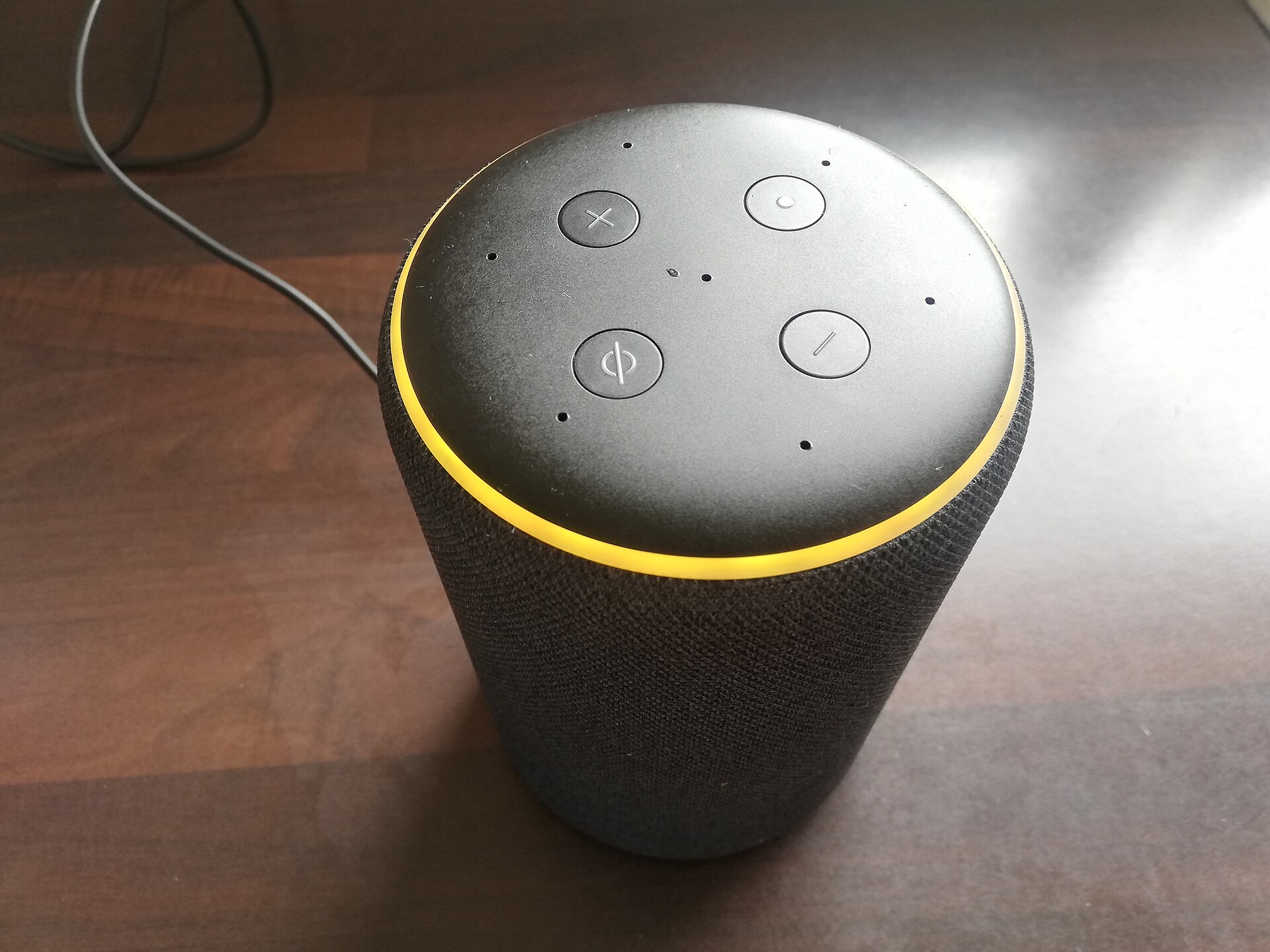
Smart devices are controlled through an app or a voice assistant. The main options are the big tech ecosystems built into phones and smart speakers. Choose the one that matches the phones and speakers your household already uses.
When you shop, look for devices that support Matter, a newer industry standard designed to help devices from different brands work together. It reduces the risk of being locked into one company.
Bungalow tip: Write down your Wi-Fi name, password and the accounts you use for each device. Keep a copy with your home records. It makes moving out, or helping family, much easier.
Step 2: Start with these beginner devices
| Device | What it solves | Difficulty |
|---|---|---|
| Smart plug | Turns lamps, fans or a coffee maker on and off by schedule or voice | Very easy |
| Smart bulbs | Dimmable, schedulable lighting without wiring | Very easy |
| Smart light switch | Controls whole fixtures; works even if someone flips the switch | Moderate; electrician recommended |
| Smart thermostat | Automatic heating and cooling schedules, remote control | Moderate |
| Video doorbell | See and talk to visitors from anywhere | Easy to moderate |
| Water leak sensor | Alerts you to leaks near the water heater or washer | Very easy |
Leak sensors are an underrated first purchase. Many bungalows have the furnace, water heater and laundry in the basement, where a slow leak can go unnoticed for days.
Step 3: Build simple routines
Routines are where a smart home starts to feel useful. A few beginner examples:
- Good morning: Kitchen lights come on and the thermostat warms the house.
- Leaving home: Lights turn off and the thermostat sets back.
- Away on vacation: Lamps turn on and off at varied times.
- Good night: Doors lock, outdoor lights dim and a hallway light glows softly.
Keep routines simple at first. It is easier to add steps than to figure out why a complex one misfired.
Common beginner mistakes to avoid
- Buying devices from many different brands with separate apps.
- Putting smart bulbs in fixtures controlled by a regular wall switch that gets turned off.
- Skipping Wi-Fi upgrades and blaming the devices for dropouts.
- Leaving default passwords in place.
- Installing hardwired devices yourself without the right skills. Use a licensed electrician for anything wired.
Security matters from day one. Our guide to smart home cybersecurity walks you through protecting your network and accounts.
Smart tech for aging in place
Many bungalow buyers are planning to stay for decades. Smart devices can support that goal.
- Voice-controlled lights and thermostats reduce trips across the room.
- Motion-activated night lights make hallways safer.
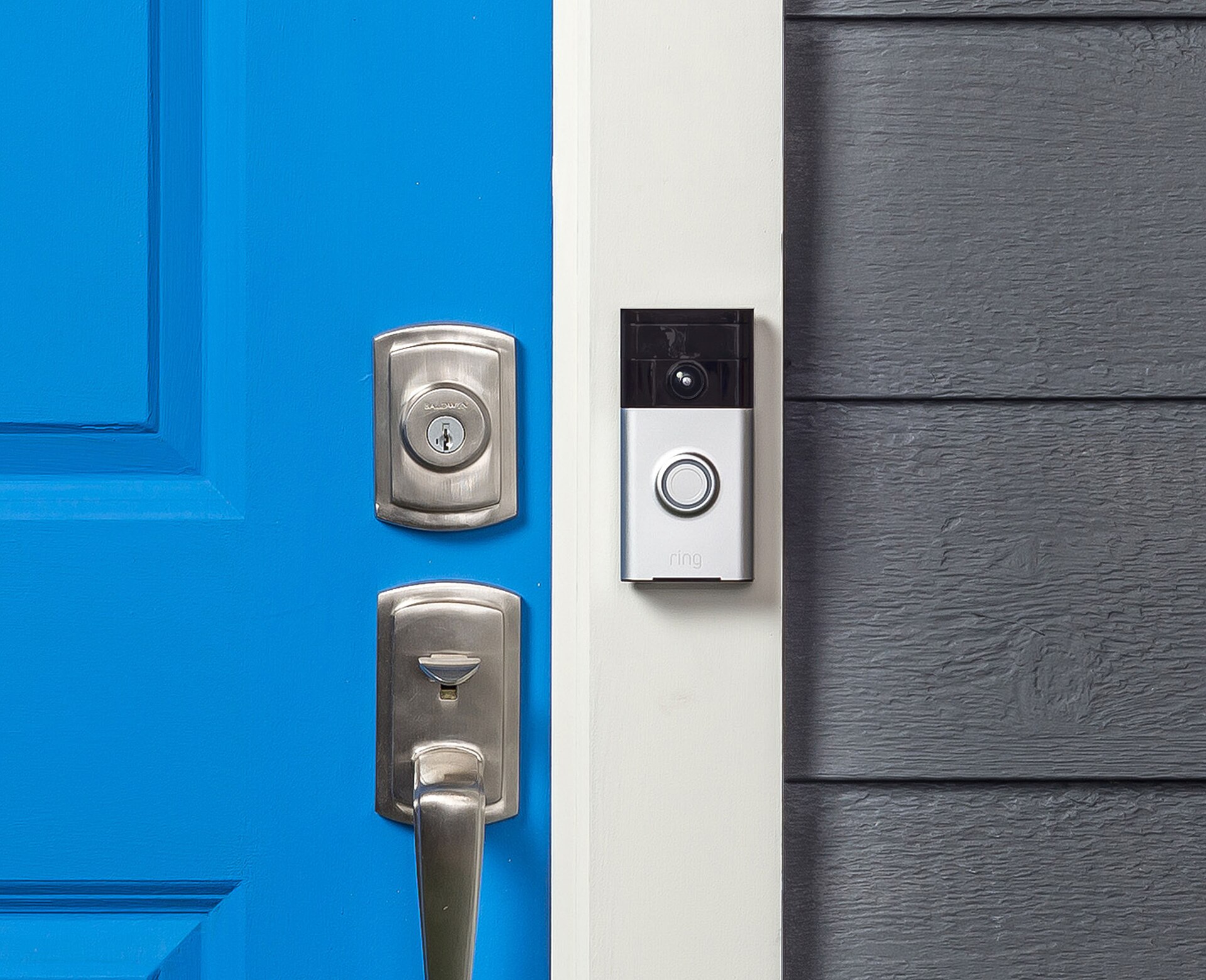
- Video doorbells let you see who is at the door before getting up.
- Shared apps let family members check in on settings from afar.
Read more in our post on using a voice assistant in a smart home.
Smart homes and selling
Smart devices can make a listing feel updated, but buyers will want to know what stays. List included devices in your agreement, reset them before closing and leave manuals. Our seller’s guide covers how to prepare your home for the market.
Bungalow tip: Buying a home with smart devices? Ask the seller to remove their accounts before closing so you can set everything up fresh.
Frequently asked questions
What is the easiest smart home device to start with?
A smart plug or smart bulb is the easiest. They need no wiring, cost little and show you how schedules and voice control work.
Do I need a hub for a smart home?
Many devices now connect directly to Wi-Fi or to a smart speaker that acts as a hub. Some sensors and locks still need a dedicated hub, so check before you buy.
Will smart devices work if the internet goes down?
Some do basic functions locally, but many lose remote access and voice control. Check how each device behaves offline if that matters to you.
The bottom line on getting started
A smart bungalow starts with solid Wi-Fi, one platform and a few devices that fix real problems. Add routines gradually, keep security tight and grow your setup as you learn what you use.
Looking for a move-in-ready bungalow with modern updates? Set up listing alerts and we will send new matches straight to your inbox.